Test both pass types
Scan one guest pass and one household pass, then confirm staggered arrivals admit the intended people.
QR check-in
Create one pass for a household or one per guest. Each household scan checks in the next attending person, so people can arrive at different times without being marked as duplicates.
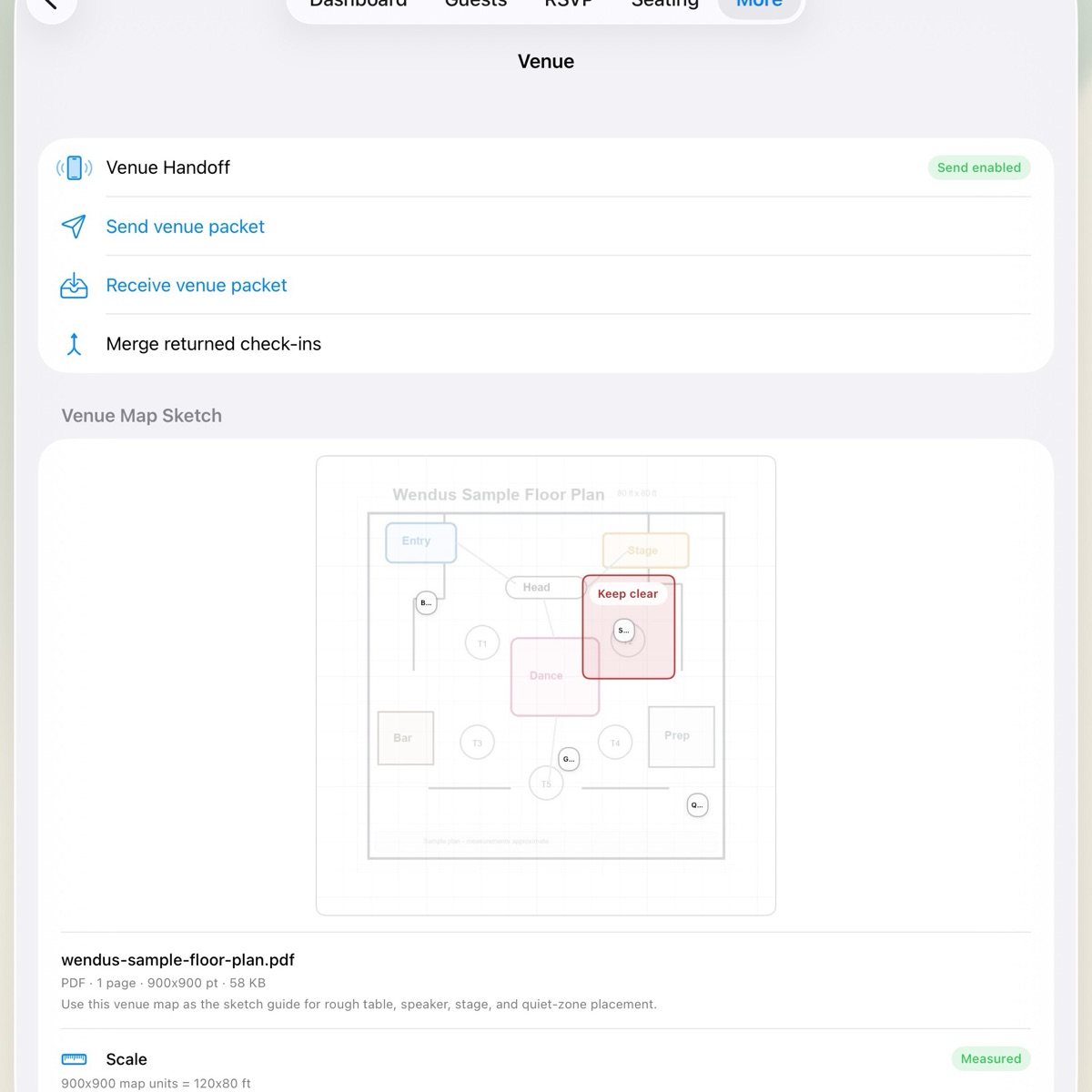
Venue Handoff
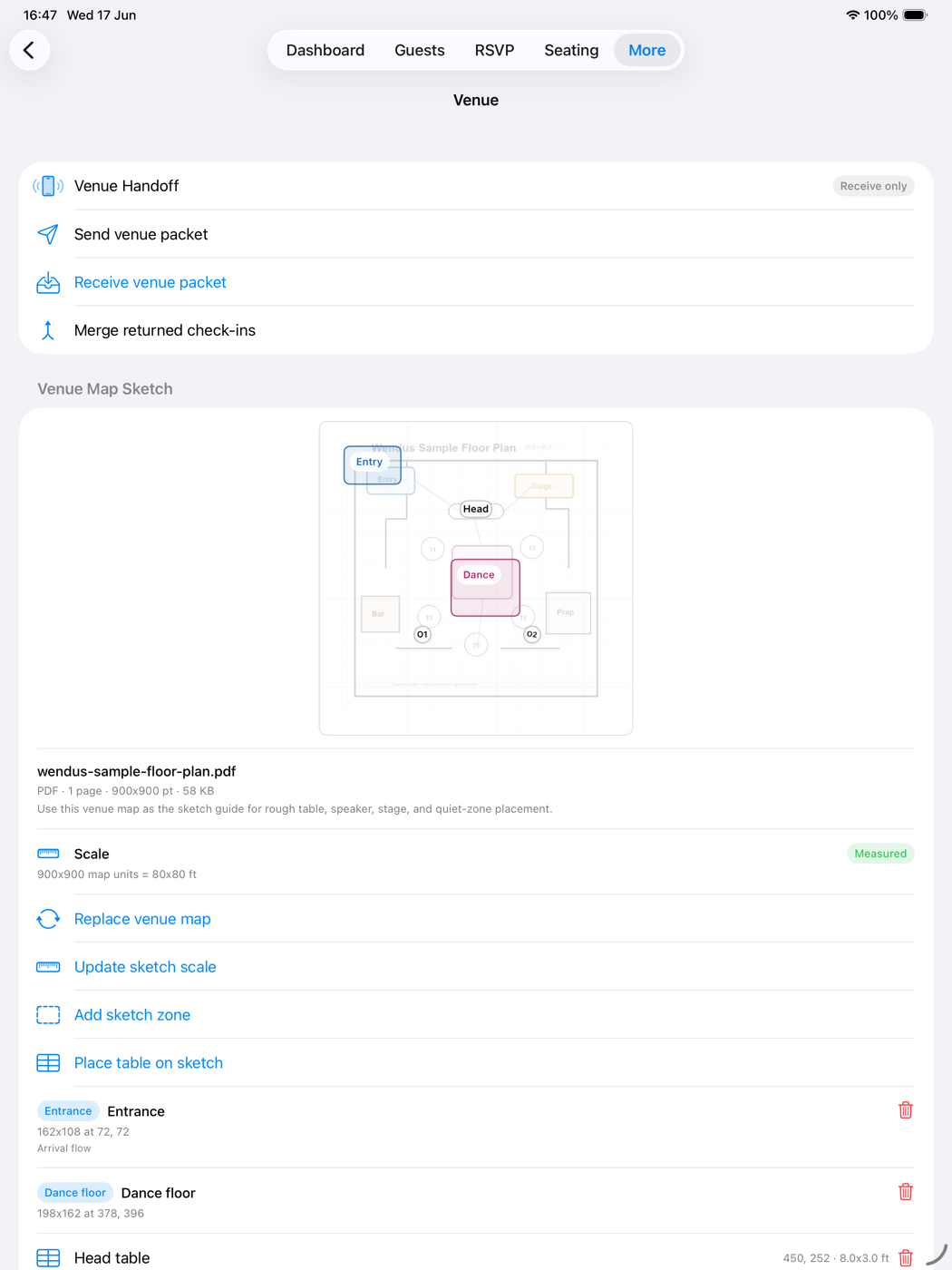
Venue Handoff pairs a nearby staff device by QR code and sends an encrypted packet focused on admission: names, households, tables, meal and accessibility notes, VIP status, and QR-pass validation hashes. It excludes contact details and the venue sketch.
Practical guide
Before the event, test both pass types, manual search, and Venue Handoff while there is still time to correct the records.
Scan one guest pass and one household pass, then confirm staggered arrivals admit the intended people.
Door staff can find a guest by name and record a reason when a phone, pass, or camera is unavailable.
Transfer Venue Handoff before the event, verify its expiration, and plan when returned check-ins will be merged.
FAQ
Yes. Once passes and seating are prepared, scanning and check-in run entirely offline at the venue. No server is involved.
No. The QR code contains a random token, not a guest name or contact details. Wendus matches that token against hashed values on the device.
Use the manual fallback search to find them by name and record a manual check-in with a reason. Duplicate admissions are still caught.
Each scan admits the next unchecked attending guest. Later arrivals can use the same household pass until its available admissions are used.
Yes. Revoke the old pass so it reads Revoked at the door, then reissue a fresh opaque token for the same guest or household.
Yes, with premium access. Venue Handoff sends an encrypted, check-in-only packet to a nearby device running Wendus, and merges the check-in records back afterward.